

Download Urban VPN APK – Free, Unlimited Bandwidth, Unblock US Netflix, Secure Internet
Overview
Urban VPN APK is a free virtual private network (VPN) application developed by Urban Cyber Security Inc. Designed for users seeking unrestricted internet access, the app aims to enhance online security and improve browsing speed through a peer-to-peer (P2P) network structure. It enables users to connect to 81 servers worldwide, offering the ability to unblock geo-restricted content such as US Netflix and Amazon Prime Video. The software is positioned as a no-account-required tool, emphasizing ease of access and immediate usability. Target users include individuals looking for free streaming solutions, casual internet users seeking faster connections, and those attempting to bypass regional content restrictions. The app operates on a P2P model where users share processing power, which may impact performance and raise privacy concerns. The developer did not provide additional system requirements or details on encryption protocols. Real-world usage scenarios include streaming international content, accessing blocked websites, and improving connection speed in regions with throttled internet services. However, the lack of transparency regarding data handling and support channels raises significant concerns about reliability and long-term usability.Key Features & Capabilities
- Peer-to-Peer Network Architecture: Urban VPN uses a P2P system where users contribute bandwidth and processing power, enabling free operation without subscription fees. This model allows for unlimited bandwidth and potentially faster connections in high-traffic scenarios.
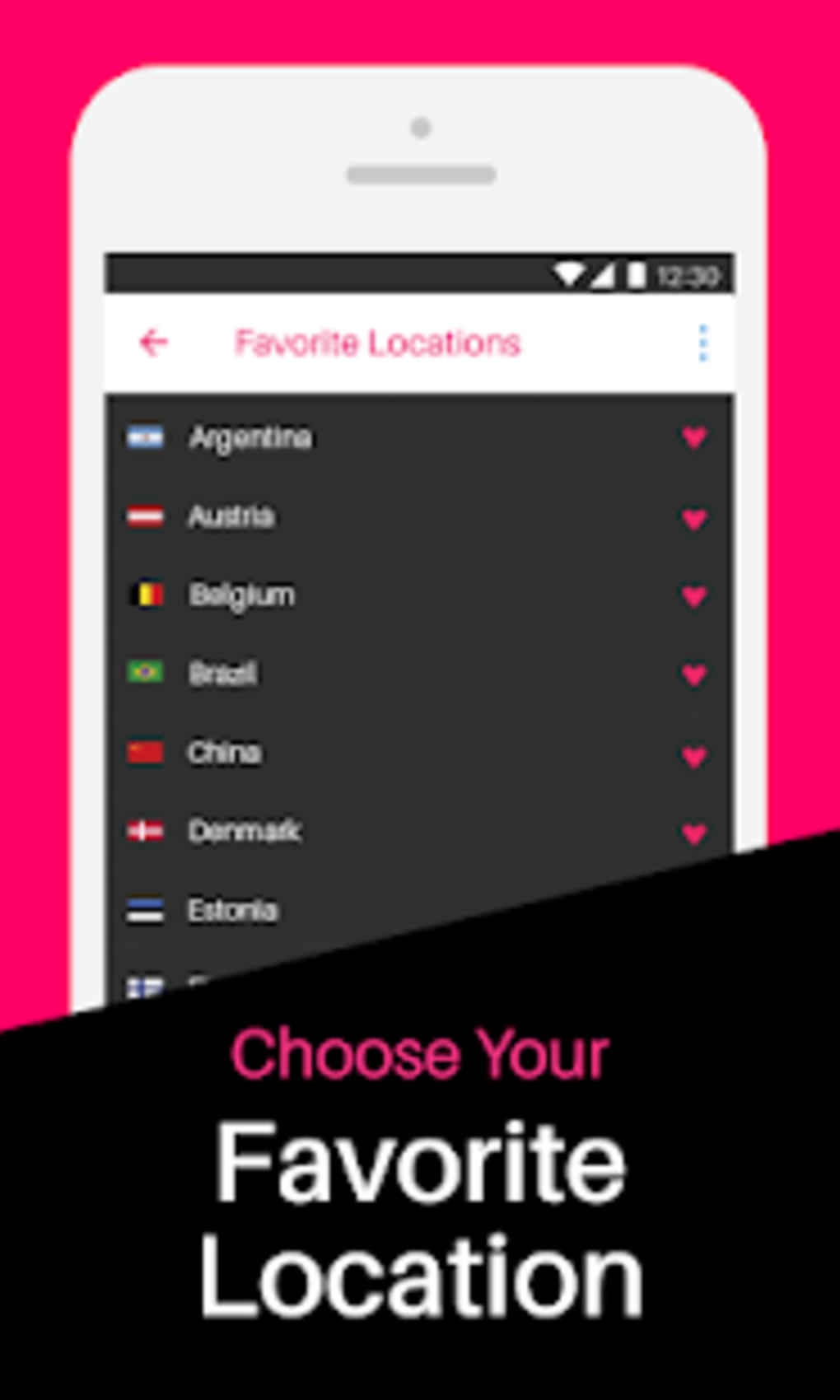
- 81 Global Servers: The app provides access to 81 server locations, allowing users to choose a region to connect from, which may help improve internet speed and bypass regional restrictions.
- Geo-Content Unblocking: Urban VPN claims the ability to unblock US Netflix and Amazon Prime Video, making it suitable for users seeking access to region-locked streaming services.
- Account-Free Access: Users can start using the app immediately without creating an account or providing personal information, simplifying the onboarding process.
- Free and Unlimited Usage: The software operates without subscription fees or data caps, offering continuous access to its network at no cost.
User Interface, Workflow & Performance
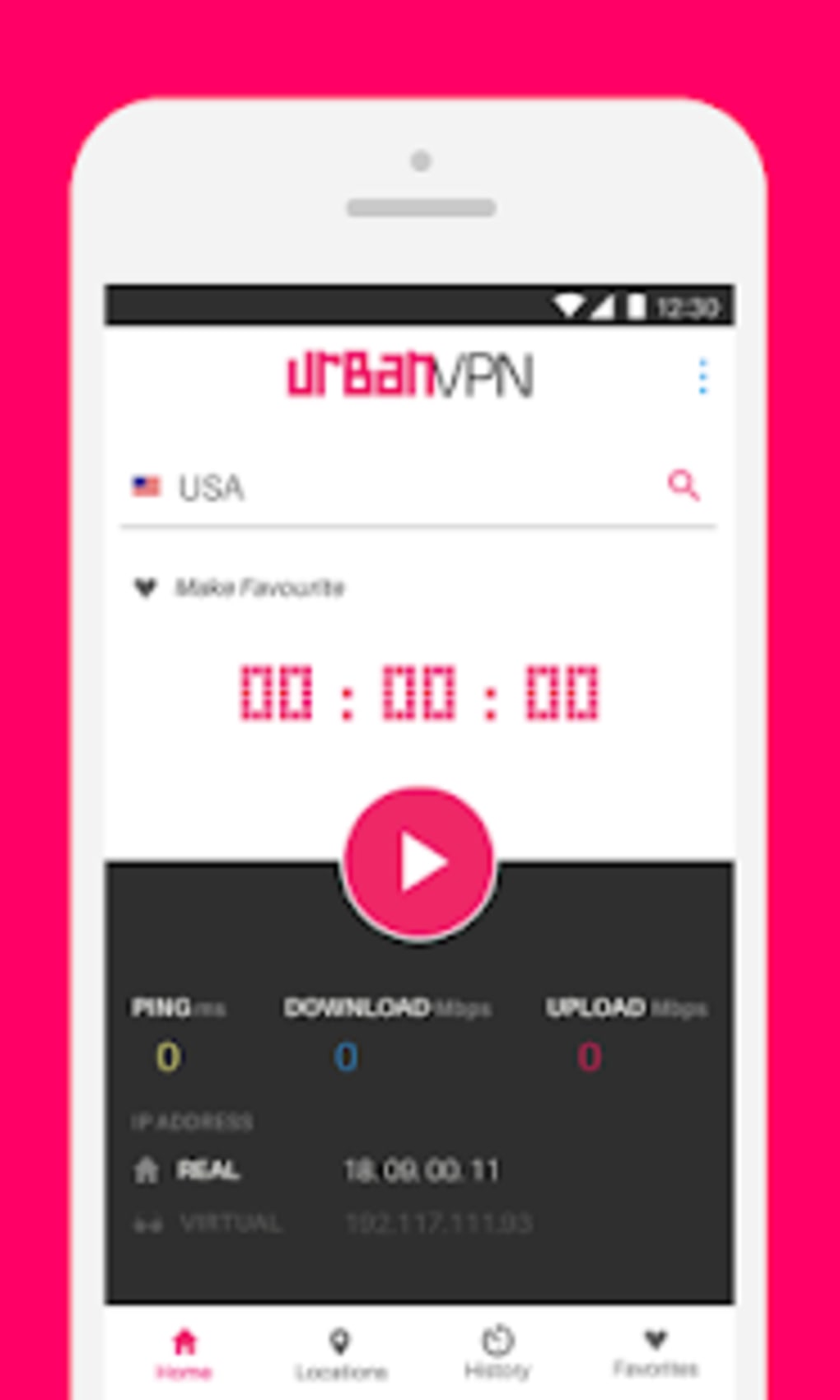
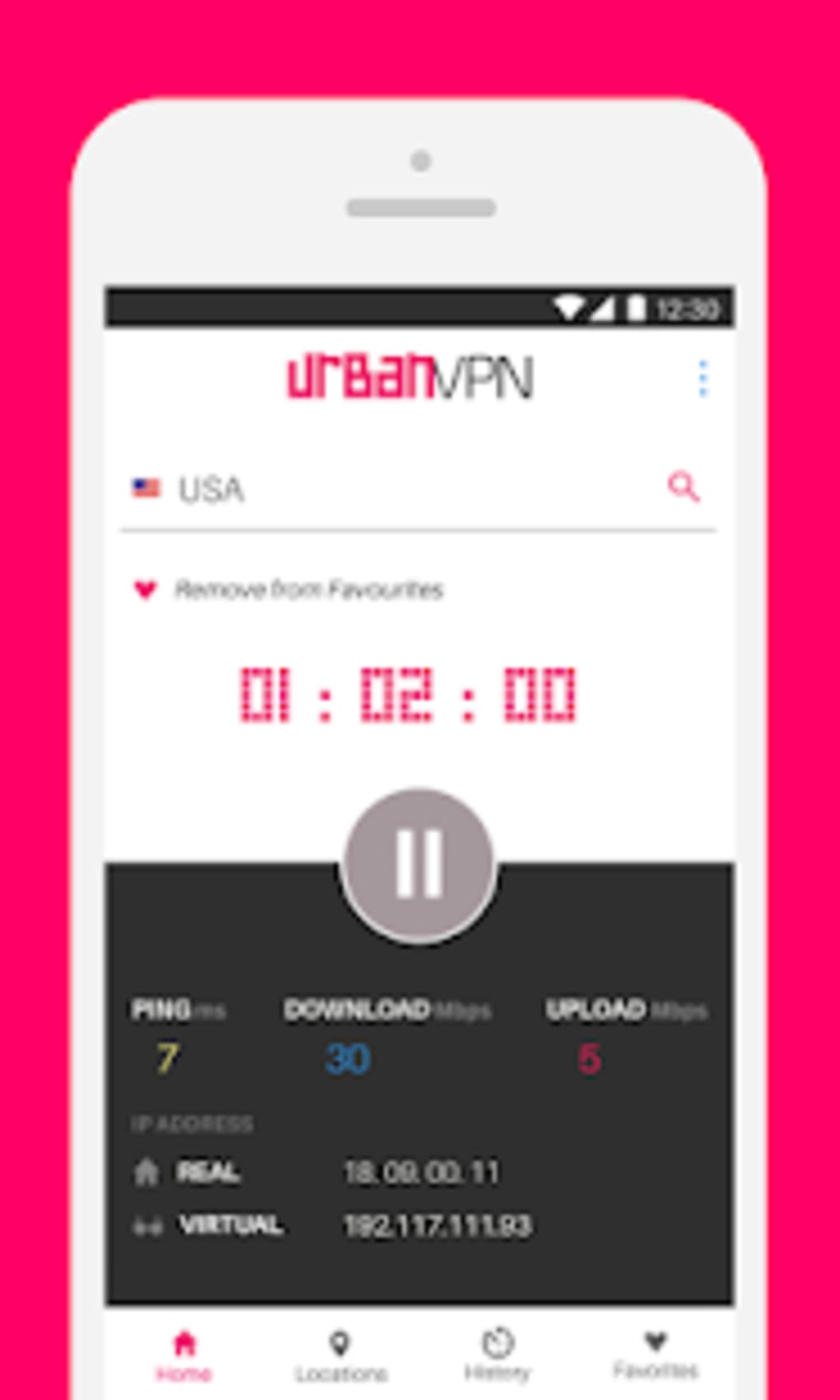
Urban VPN APK features a minimalistic interface focused on core functionality: selecting a server and connecting or disconnecting. Navigation is straightforward, with a central button to initiate or terminate the connection. The workflow is designed for simplicity, requiring only a single tap to switch between servers. However, the lack of visual feedback during connection attempts may lead to uncertainty about the app’s status. The developer did not specify resource usage details, so CPU and RAM behavior remain unknown. Performance observations are based on general software behavior patterns. While the app claims to improve internet speed, actual results may vary depending on network conditions and server load. Some users may experience noticeable improvements in browsing speed, particularly when accessing content from supported regions. However, certain websites may take longer to load due to routing through P2P nodes. Stability is not guaranteed, especially given reports of installation failures and digital signature verification issues. The absence of real-time diagnostics or performance monitoring tools limits user control over the connection quality.Compatibility & System Requirements
Urban VPN APK is designed for Android devices and is distributed as an APK file. The app is compatible with Android operating systems, though the exact version range was not specified. Installation size is not publicly listed, but APK files of similar applications typically range from 10 MB to 30 MB. The developer did not provide detailed hardware requirements or information on device compatibility beyond the OS. Users should ensure their device supports APK installations, which may require enabling “Unknown Sources” in system settings. Exact performance details were not specified. The app’s P2P architecture may affect performance on lower-end devices, particularly those with limited RAM or processing power. Compatibility with specific Android versions or manufacturers was not confirmed. Users should exercise caution when installing third-party APKs, as they may not be verified through official app stores.Pros and Cons
Pros
- Free to use with no subscription fees
- Unlimited bandwidth and no data caps
- Access to 81 global servers
- Ability to unblock US Netflix and Amazon Prime Video
- No account required for setup
Cons
- P2P architecture raises privacy and security concerns
- No clear information on encryption or data protection
- Installation issues reported due to digital signature verification
- Limited to Android via APK; no official app store availability
- Lacks live support, email assistance, or customer service





.png)

